Getting Started
What is gerenda.studio?
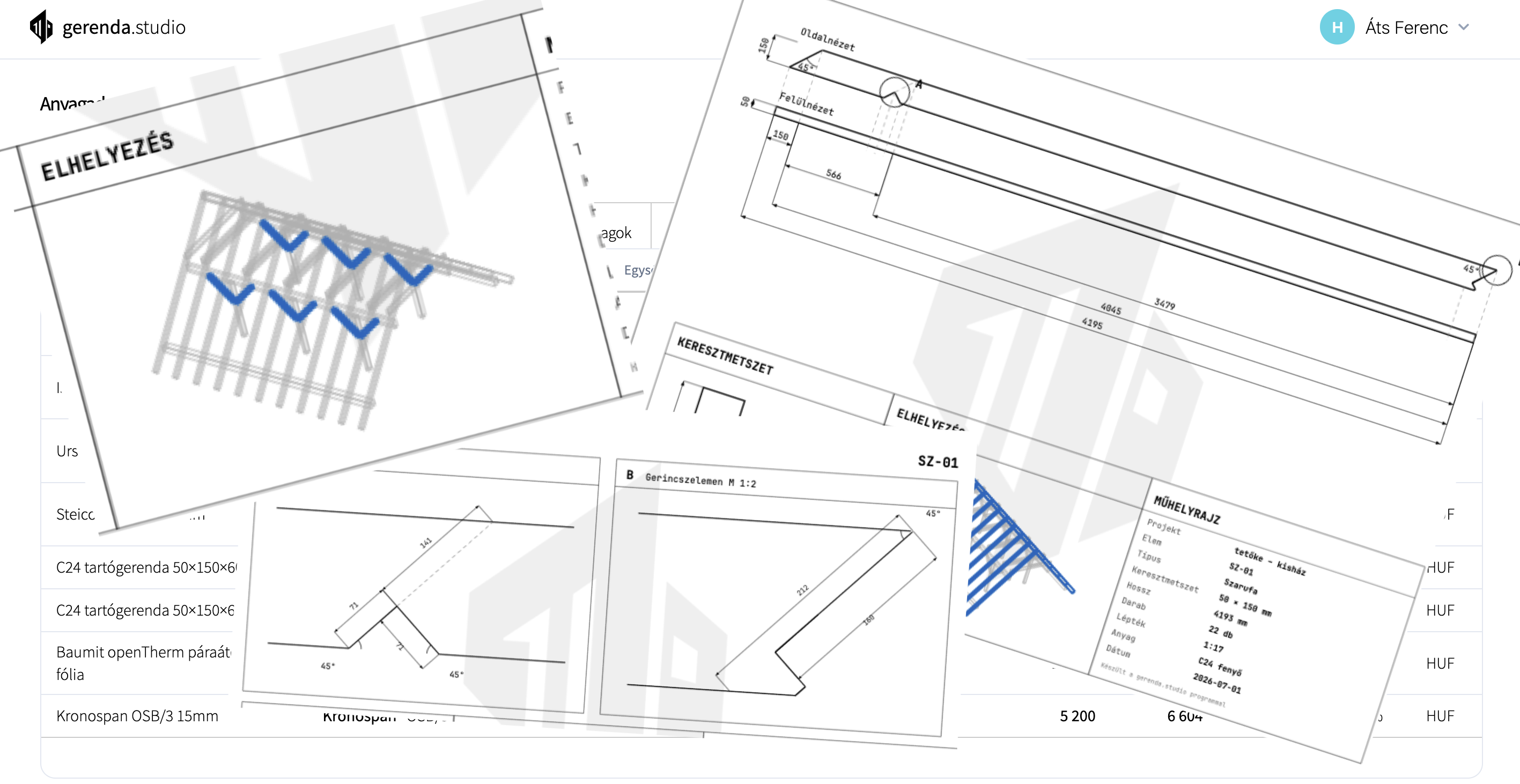
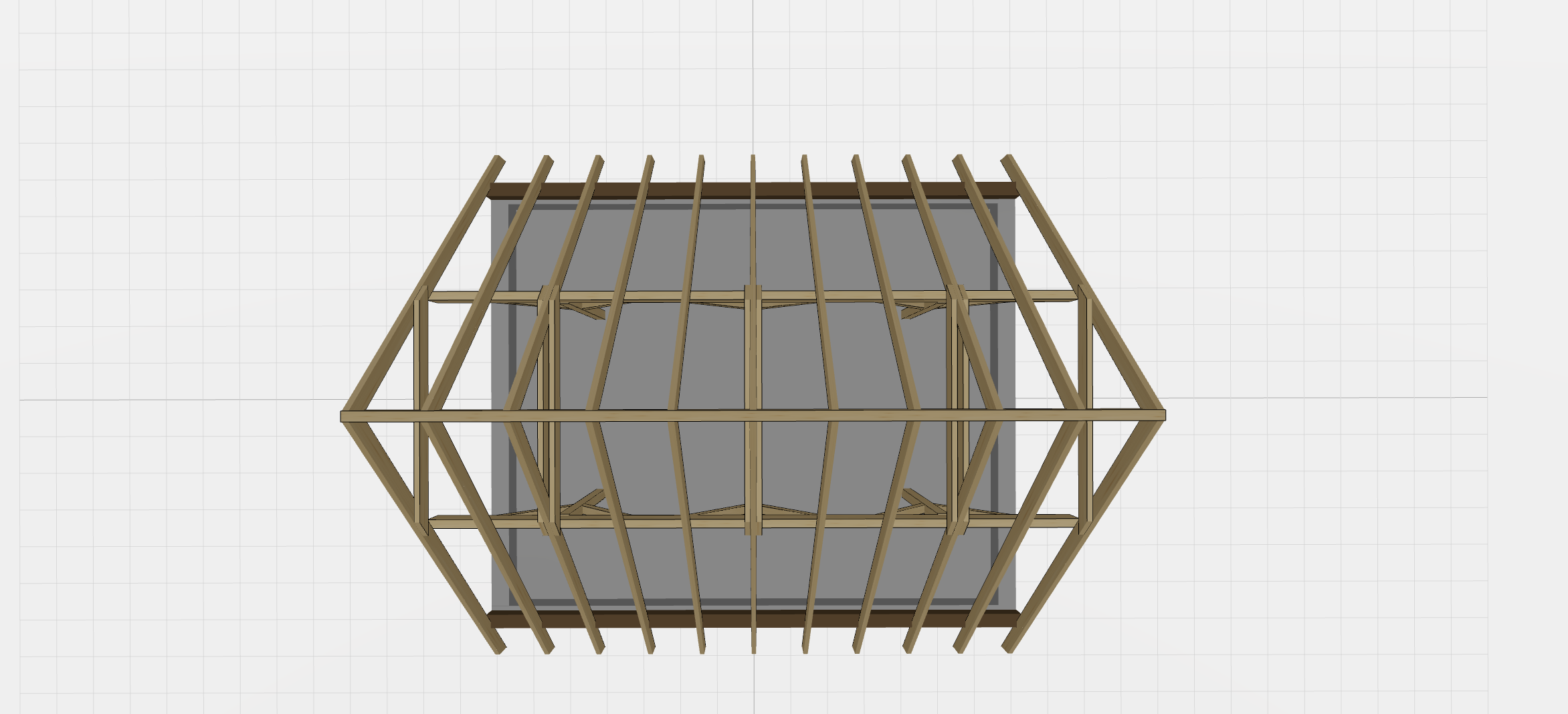
gerenda.studio is a cloud-based platform for carpenters. You can model a gable roof in 3D, from which the system generates element-by-element, dimensioned drawings. It also features a separate quote generation module.
Who is gerenda.studio for?
The platform is designed for carpenters, contractors, and small-to-medium construction firms who want to put together a 3D roof model, drawings from it, and professional quotes quickly - without CAD software.
How do I create my first project?
After registering, go to Projects in the sidebar and click "New Project". Give it a name, create a model in it, and open it in the configurator. From the finished model you can generate drawings in one click.
Is gerenda.studio free to use?
During the beta, registration and usage are free. After the beta, some parts of gerenda.studio will become paid - we'll let you know in good time. If you run into anything or have a request, write to: info@gerenda.studio
3D Modelling
What types of structures can I model?
Currently, you can model gable roofs on a rectangular floor plan.
What is the difference between a Project and a Model?
A Project is the top-level container (e.g. "Smith Residence"). A Project can have multiple Models - alternative layouts or phases. You can generate drawings for each Model separately.
Can it automatically generate quotes and material lists from the model?
No. The model produces drawings; quotes are put together manually in the separate quote module and exported to PDF.
How reliable are the generated drawings?
The drawings show sizes calculated from the 3D model's geometry, so they are as correct as the model and the parameters you entered. The system performs no structural calculation.
Do the generated drawings comply with building regulations?
The system does not check this: the drawings are made from your model without structural calculation, so ensuring compliance is up to you. Details: Terms of Service, section 5.
Quotes & PDF
How do I create a quote?
Navigate to Quotes and click "New Quote". Fill in the client details, add line items, set net prices or use "Fill from Profile", then click "Generate PDF" to download a professional offer.
What is Reverse Charge (Fordított ÁFA)?
Reverse Charge is a VAT mechanism (§ 142 of the Hungarian VAT Act) where the tax liability is transferred to the buyer. Toggling this option on the quote sets all VAT rates to 0% and adds the required legal notice to the PDF.
Can I enter prices as net or gross?
Yes - the quote editor supports bidirectional pricing. Enter either the net or gross unit price and the other value is calculated automatically based on the VAT rate you select.
How do I generate a PDF quote?
After editing and saving the quote, click "Generate PDF". The system renders a professional, print-ready PDF with your company details, the itemised price table, VAT summary, and a grand total.
Can I edit a quote after saving?
Yes. Open the quote from the Quotes list at any time. All header fields and line items are fully editable. Save and regenerate the PDF as many times as you need.
Account & Security
Can I use gerenda.studio on multiple devices?
Yes. gerenda.studio is fully cloud-based and responsive. Log in from any modern browser on desktop, tablet, or mobile.
How do I contact support?
Write to us at info@gerenda.studio.
Ready to simplify your workflow?
Join the open beta and shape the application to your own workflow.